
Interface Gallery
Explore the powerful features and visualizations of TreeSize Pro through our high-resolution screenshot gallery.
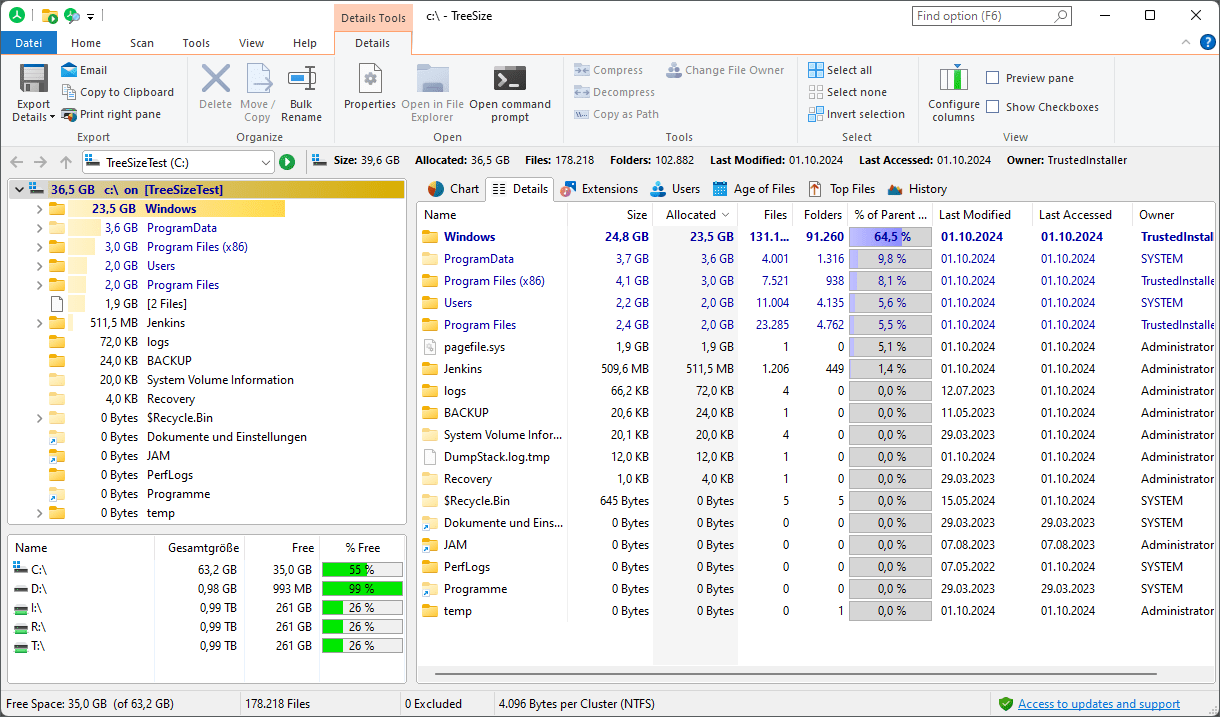
Main Window Overview
A clean, intuitive interface divided between a file system tree and a detailed content pane. See scan results in real-time with full Unicode support and optional bar chart integration.
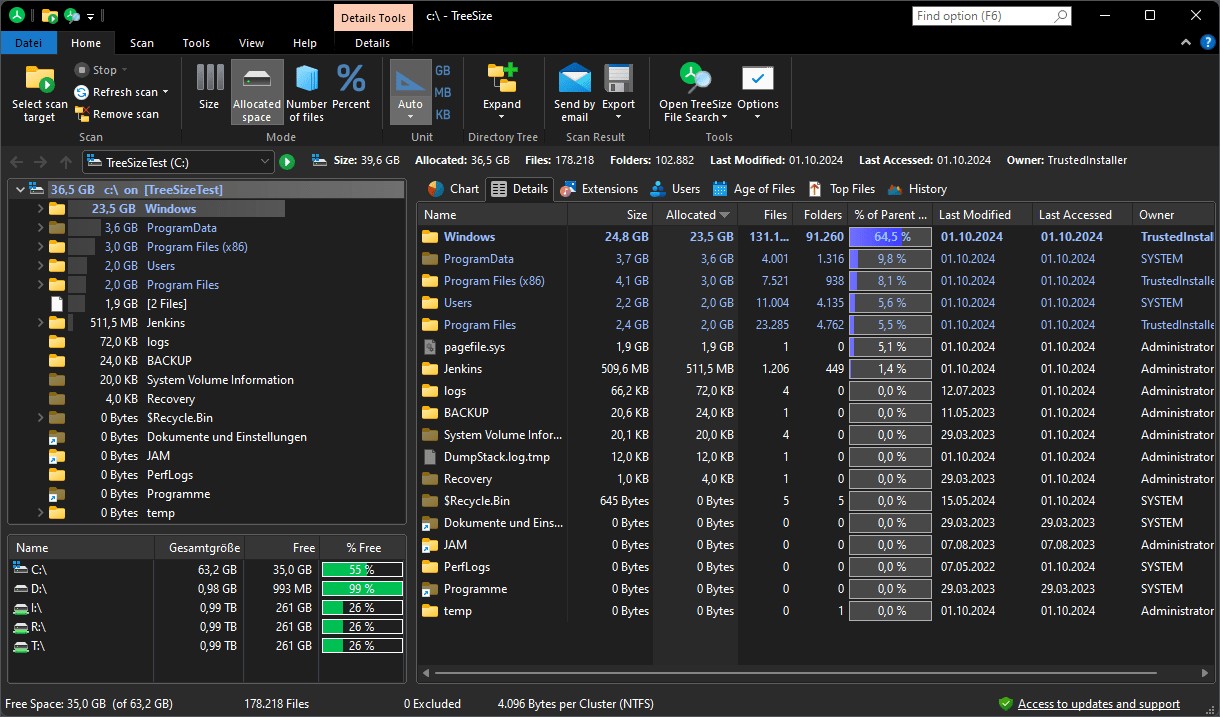
Dark Mode
A modern, high-contrast dark theme. Switch manually or sync with your system appearance settings to reduce eye strain during deep analysis.

Treemap Charts
Powerful hierarchical visualization of your data. Toggle between 2D and 3D perspectives to identify storage hogs in deep subfolder branches.
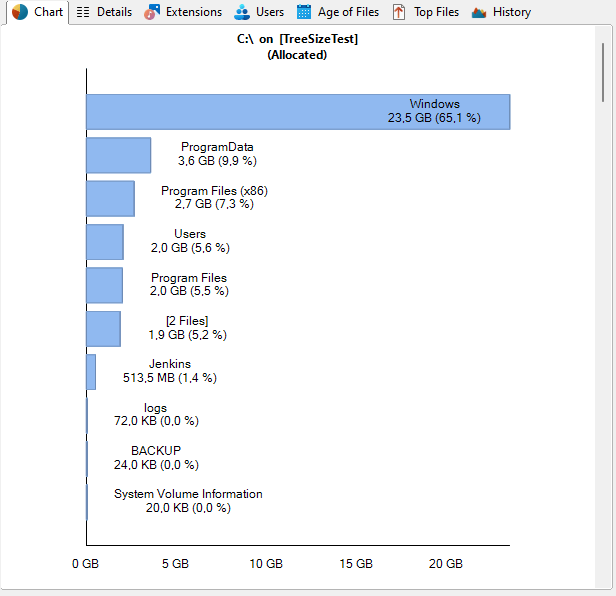
Bar Chart Analysis
Get an instant overview of storage distribution. Perfect for reports, these charts can be printed, exported to clipboard, or customized using built-in display filters.